 Tintle
Your year in pixels starts when you do
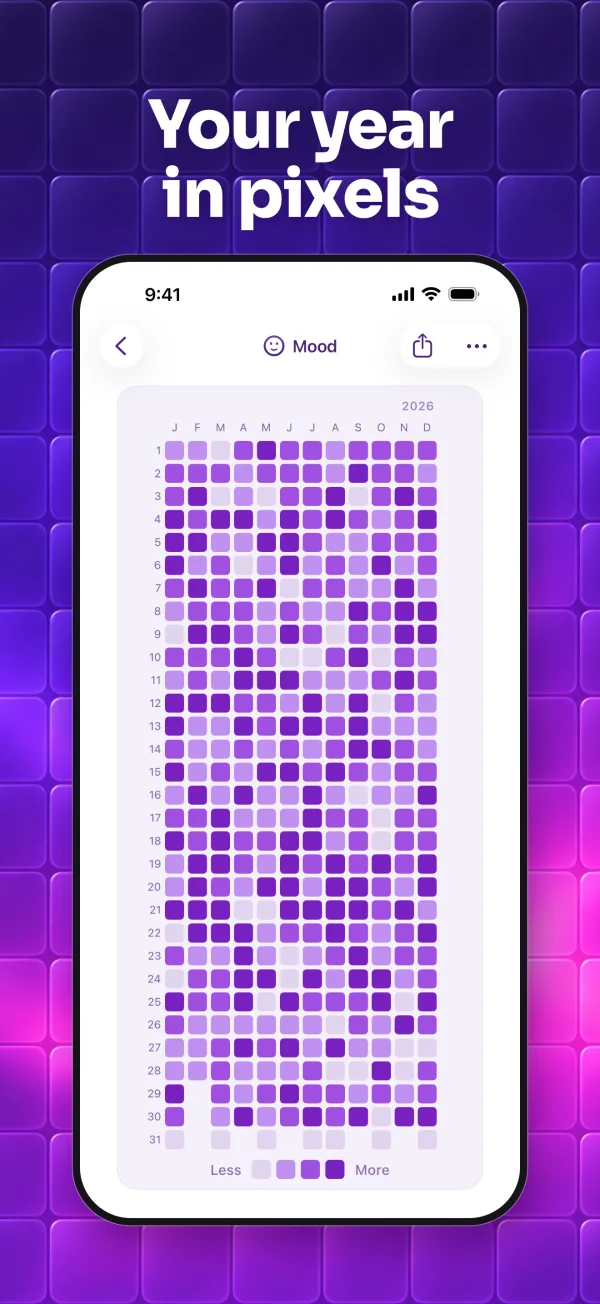
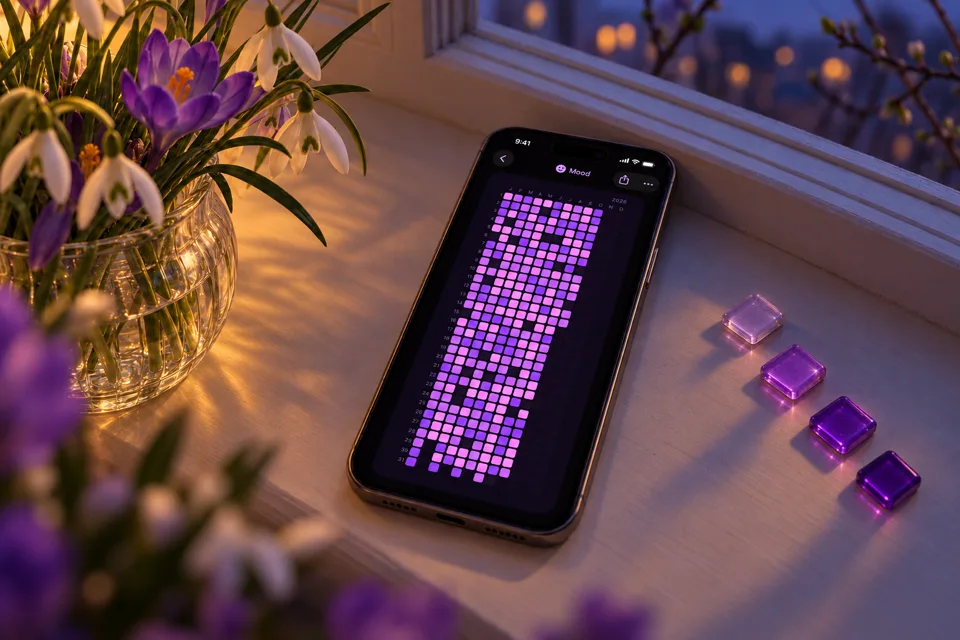
Mark your mood, the habits you're building, the ones you're quitting and the challenges you take on. What you mark each day becomes a color, and your month, quarter or year turns into a pattern that is only yours.
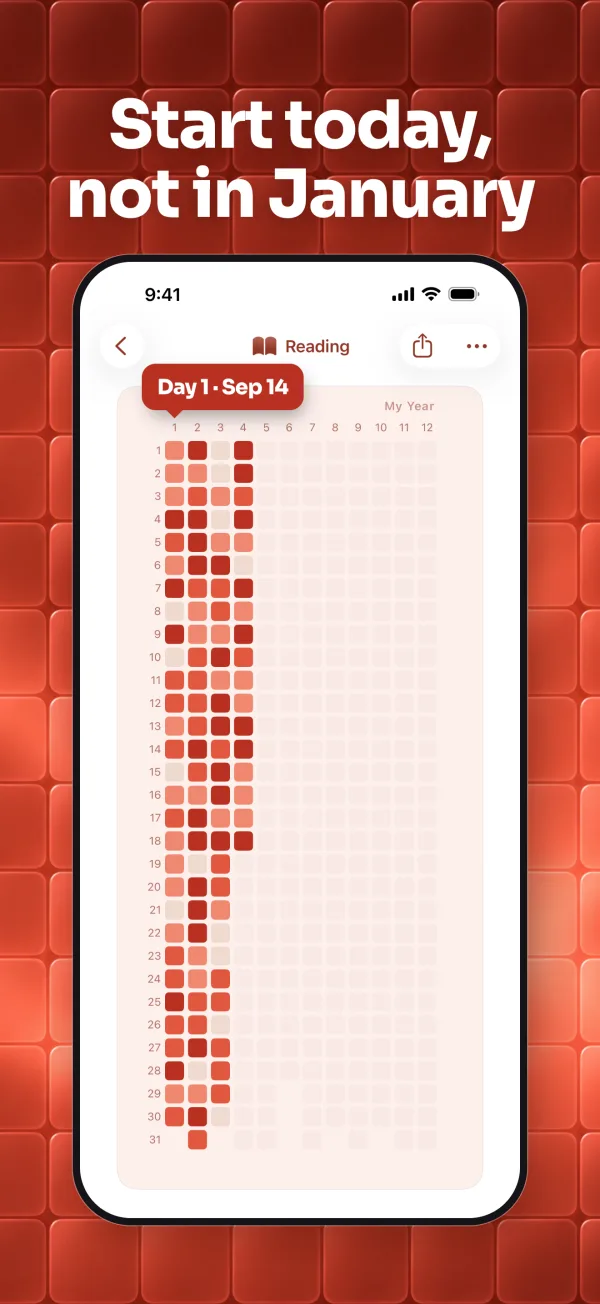
Start your year whenever you want: on your birthday, next Monday or today. You don't have to wait for January 1.


Mark today with one color
Tap today and pick a shade: lighter for a little, deeper for a lot. No forms, nothing to write.
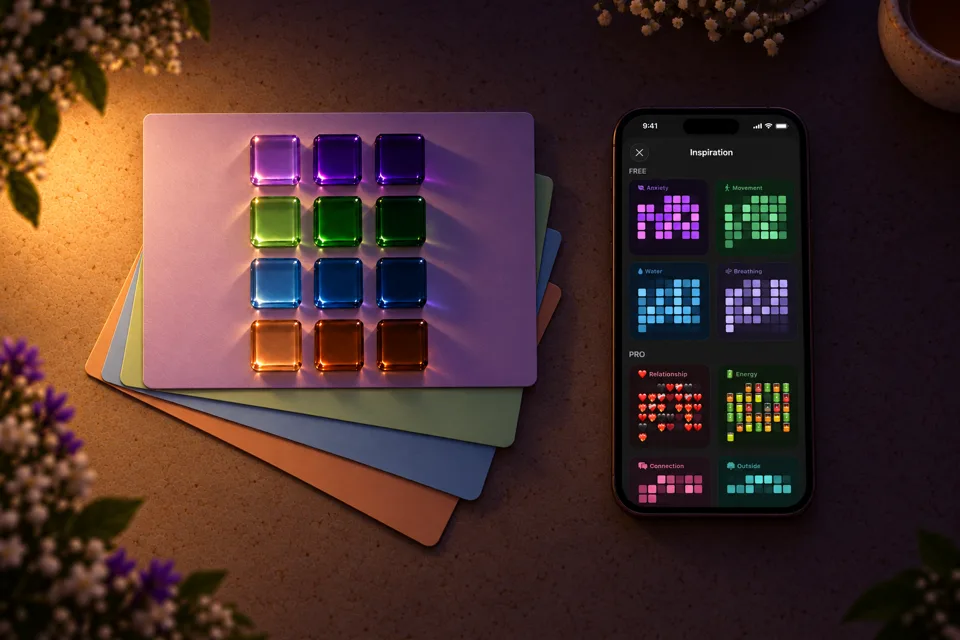
Need ideas? Start with Inspiration
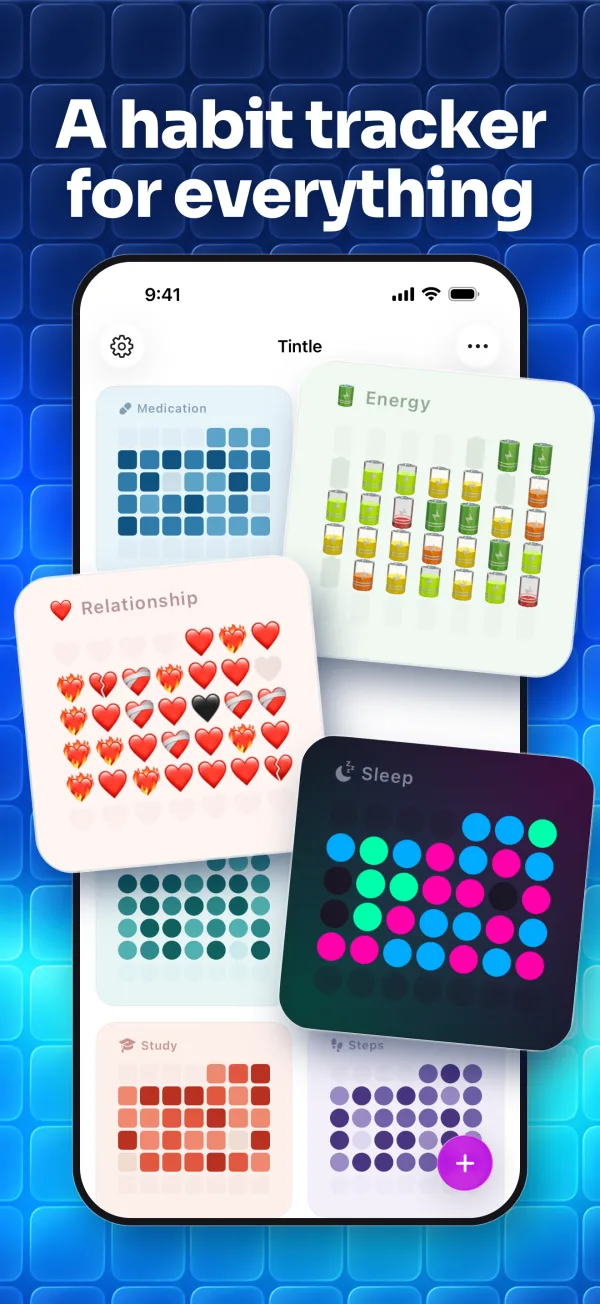
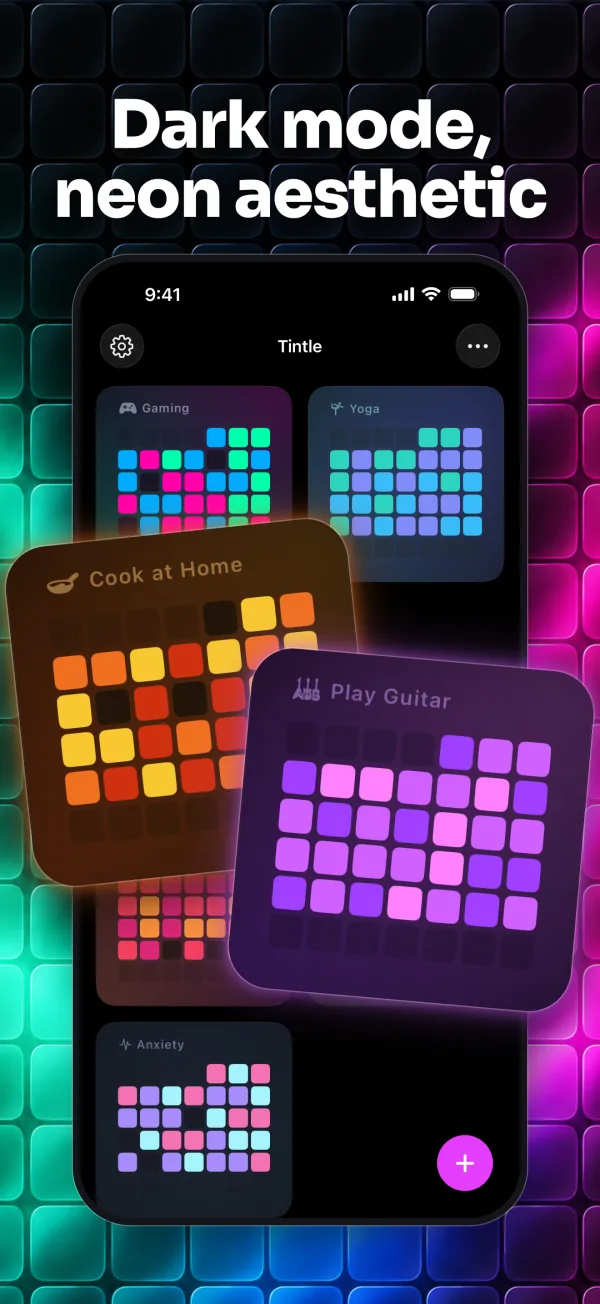
Browse ready trackers, each with its own palette, or build one from scratch with an emoji, colors and square or round cells.
Choose the format that fits you
A month for a 30-day challenge, a quarter for a new routine, a year for the big picture. Change it anytime in the tracker's settings.
Reminders that don't nag
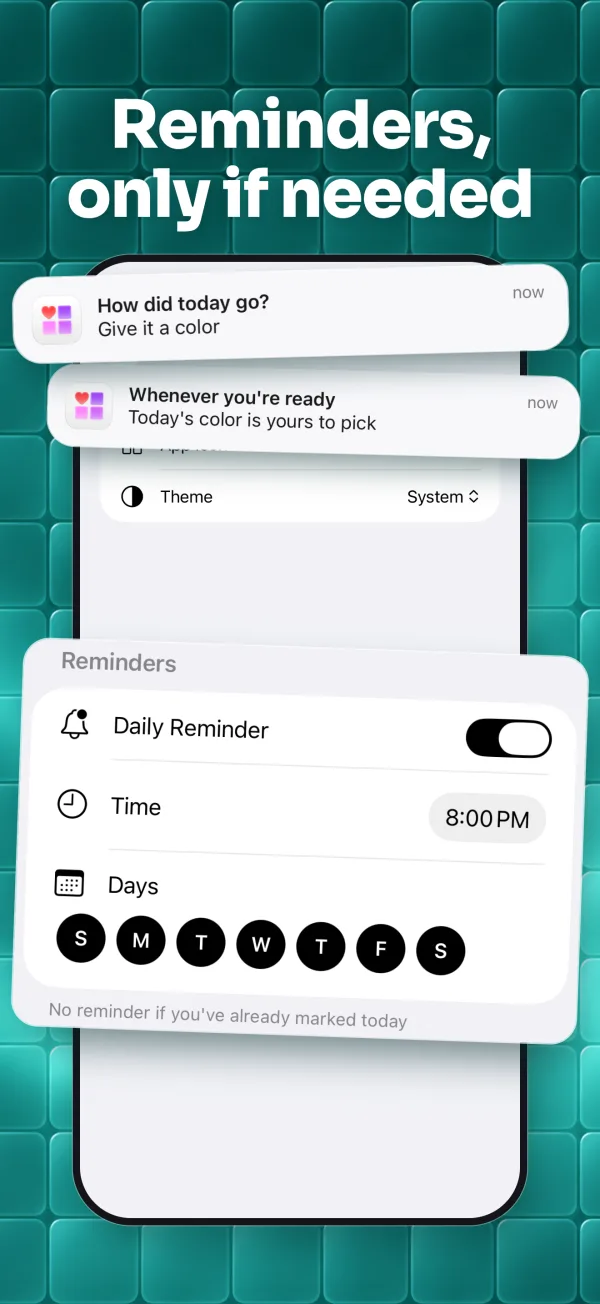
Pick a time and the days of the week. Tintle sends one gentle reminder and skips it on days you've already marked.
No streaks, just your days
Marked or not, every day stays on your grid. Skip one and nothing resets.
Remember why a day stood out
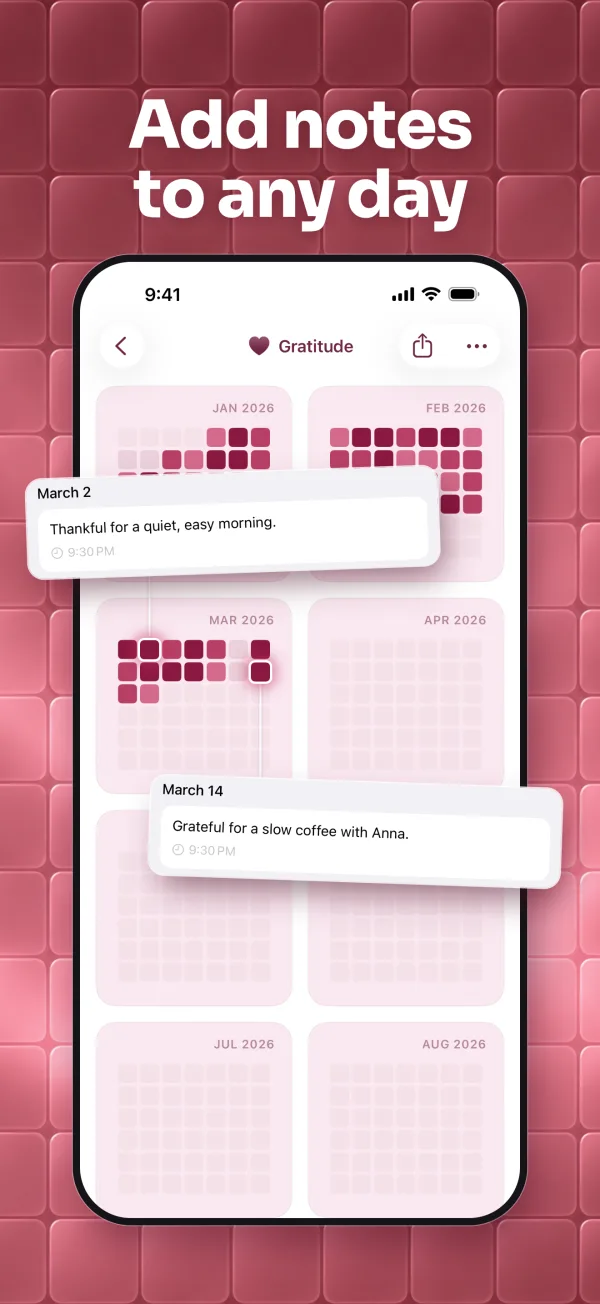
Notes are optional. Add a few words to any day and read them again when you look back at your month or year.
Try Tintle free
Everything you need to start is free: create a tracker for anything and make it yours.
Set a name, choose an icon or emoji, a color palette, a cell shape and a view format. Reminders, notes and share cards are free too.
Free with in-app purchases. For iPhone with iOS 26 or later. English and 11 more languages. No ads. No account needed.

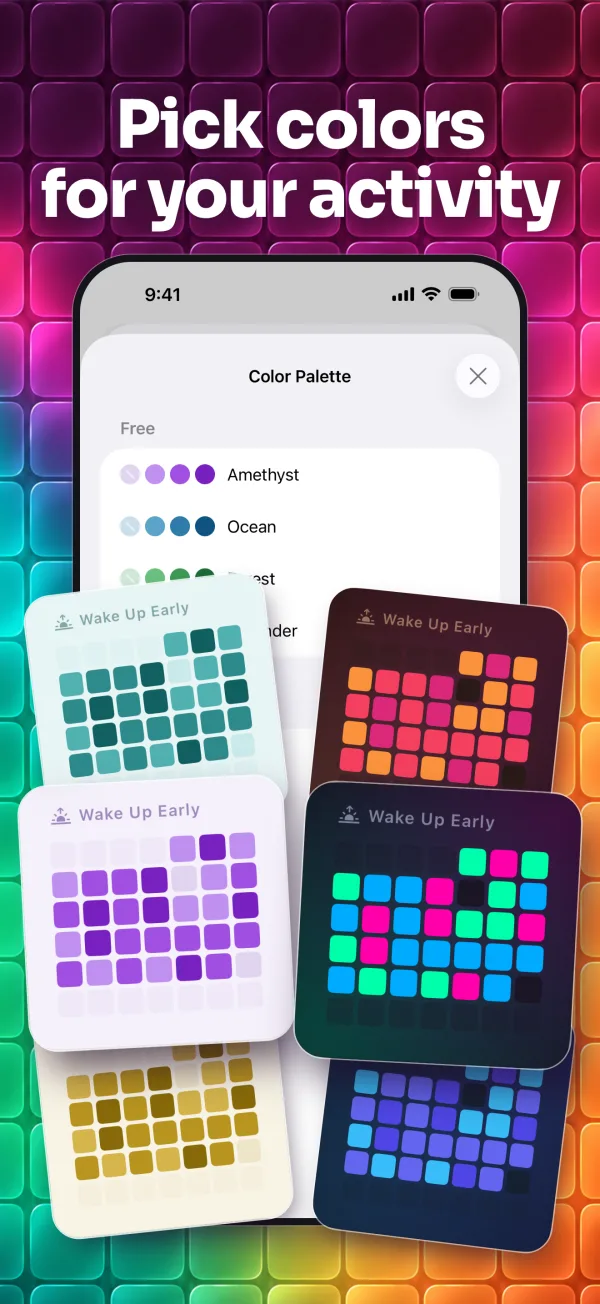
Pick colors that suit each tracker
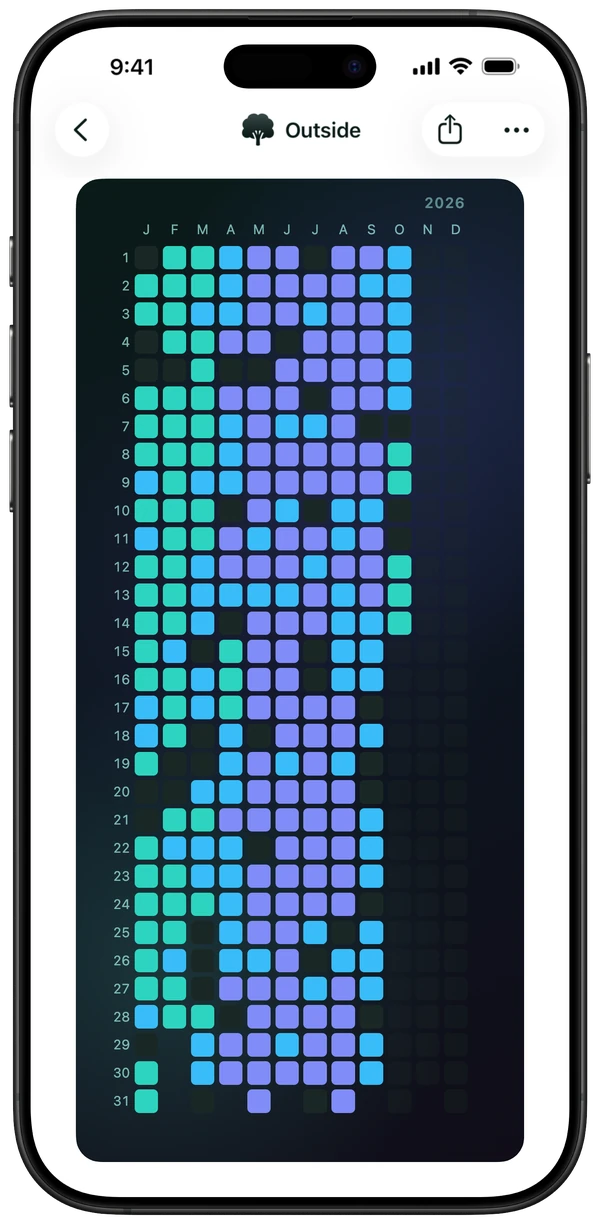
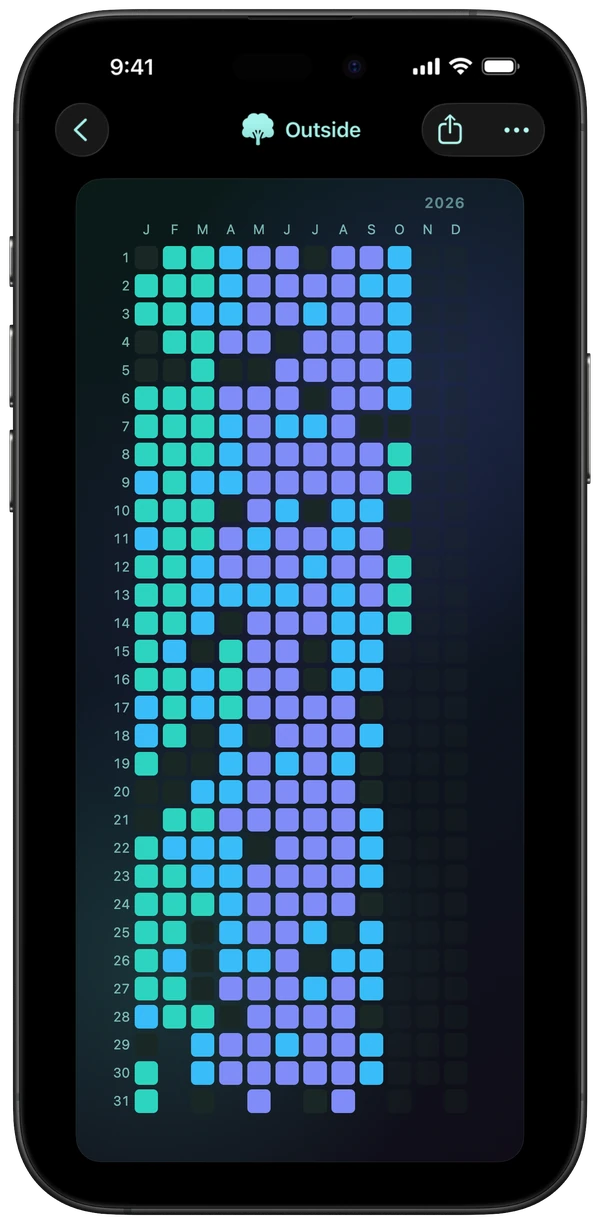
Each tracker in Tintle uses a simple scale from less to more: three shades on a background, usually lighter for a little and deeper for a lot. The shades and the background together are called a color palette, and the palette sets how the tracker looks. Our designer chose every shade so the scale reads at a glance and a filled grid turns into a beautiful pattern.
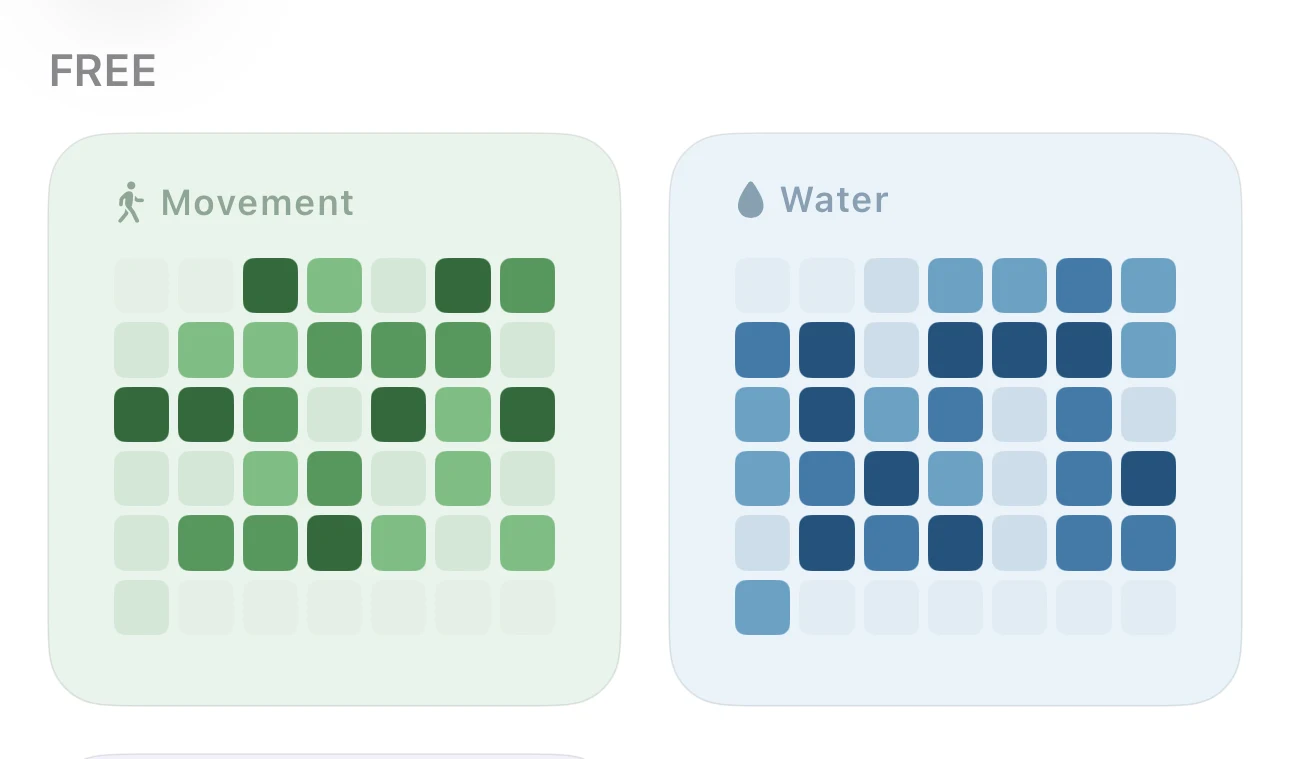
Basic Free for everyone.
Paper Soft, muted shades of one color, as calm as a paper notebook.
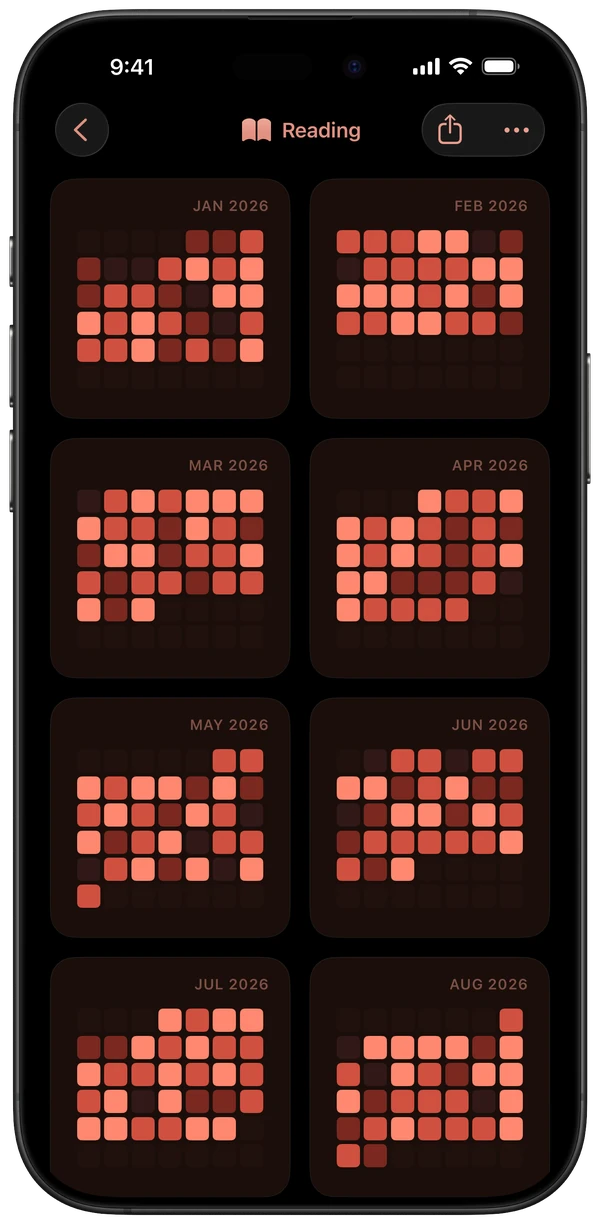
Dark Always dark, a new hue for each level.
Inside Tintle
Ten screens from the App Store listing.
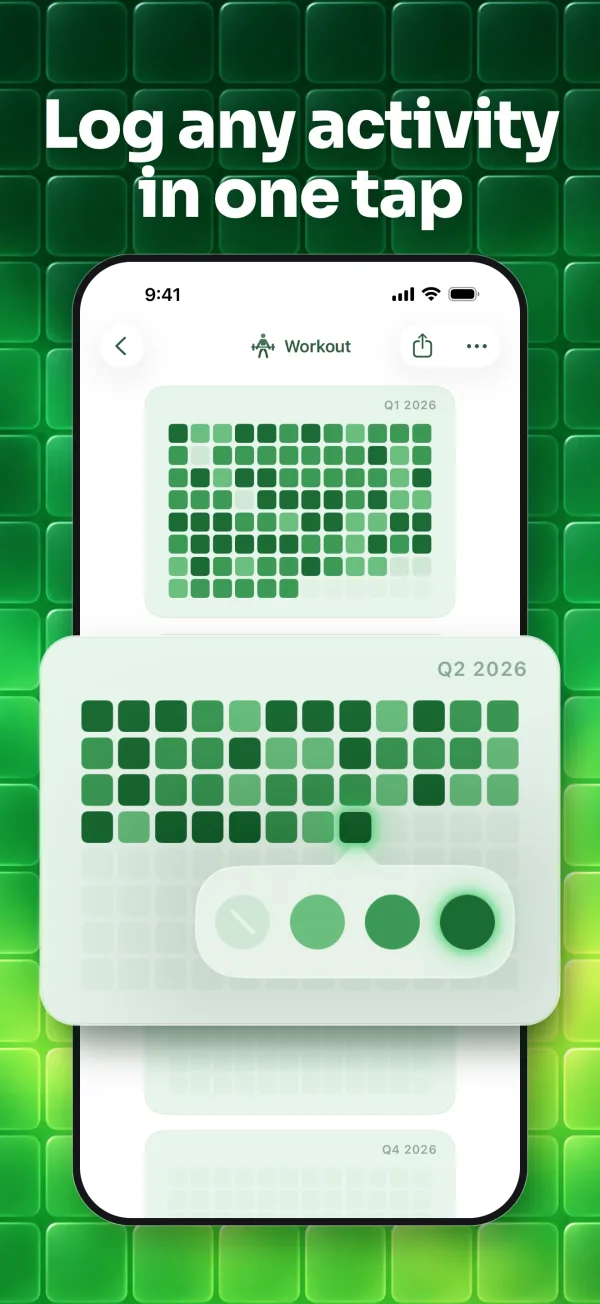
Pick a format for each tracker
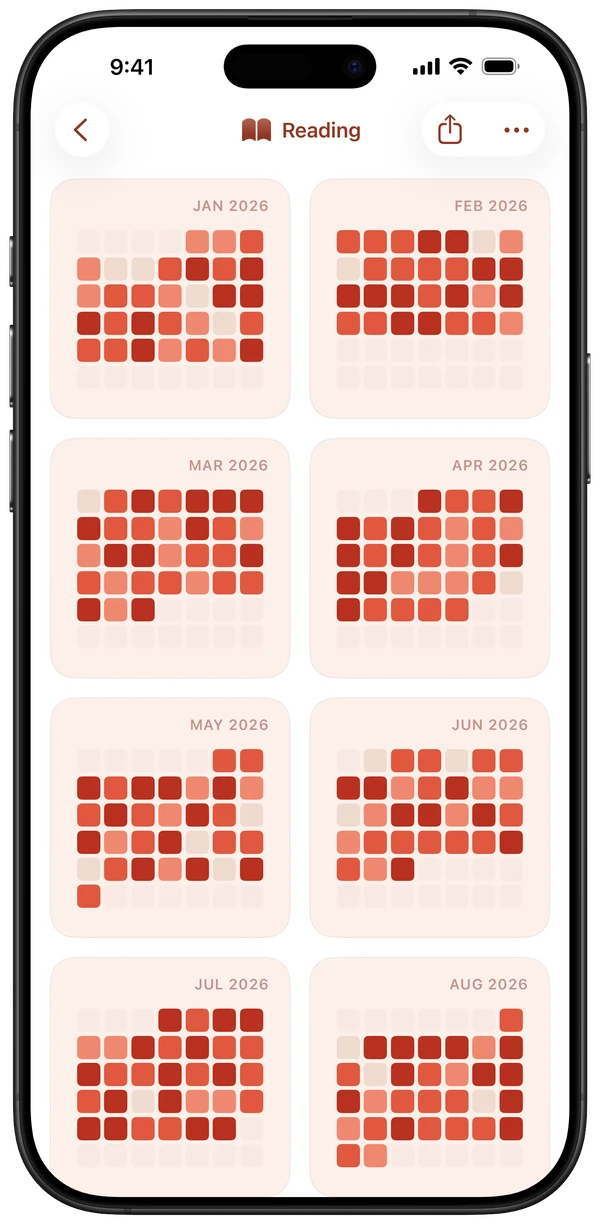
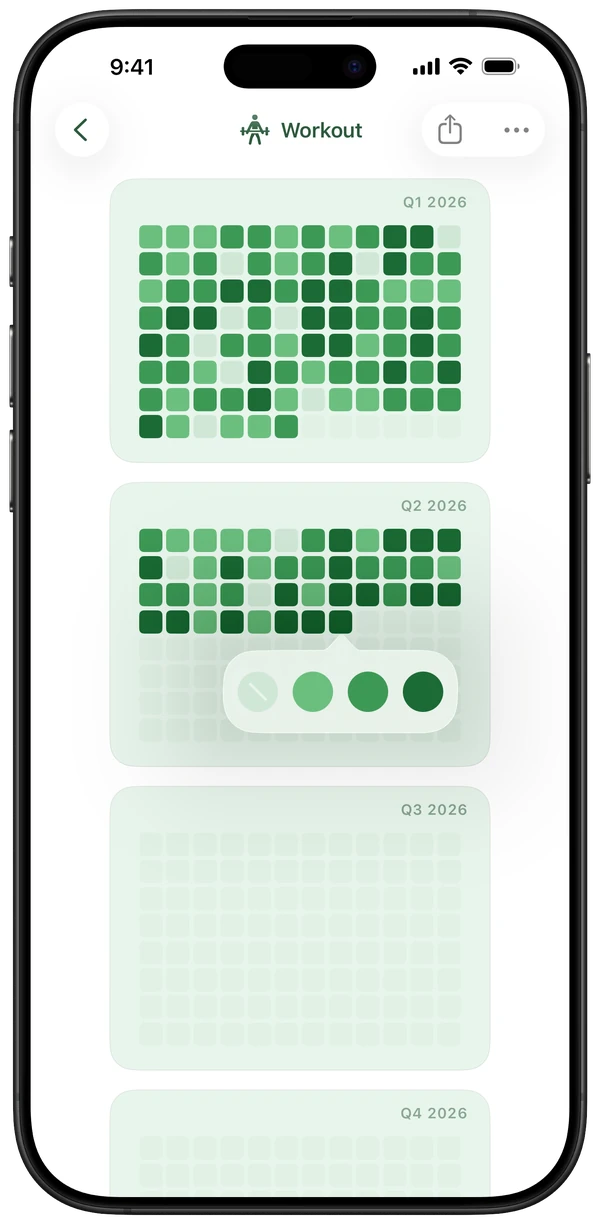
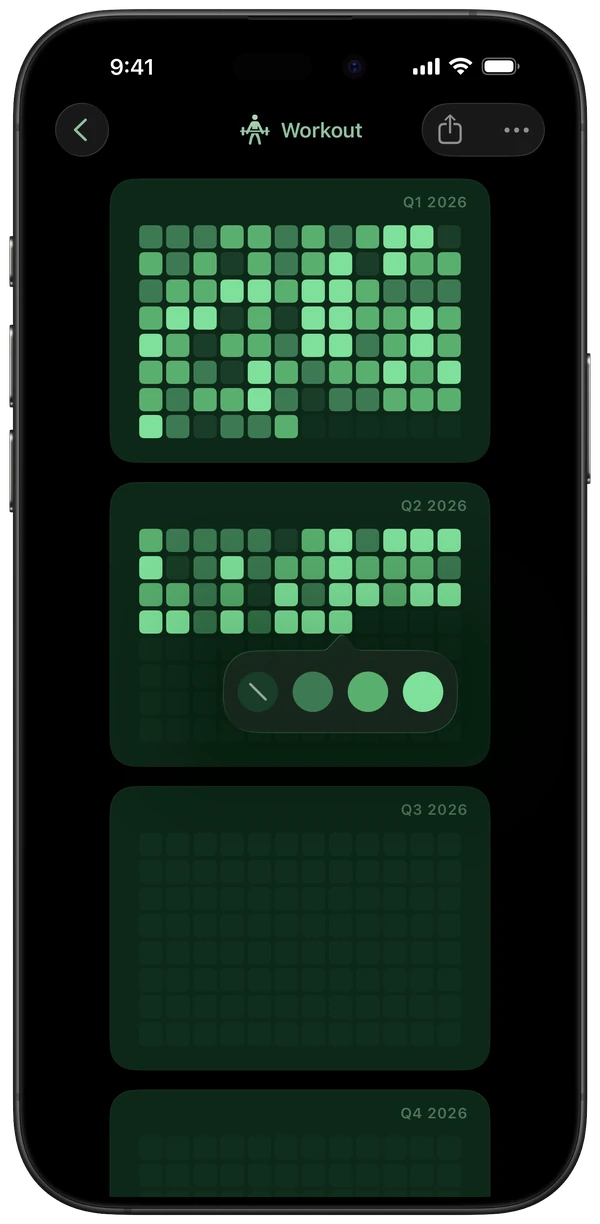
Set Month, Quarter or Year in a tracker's settings, and each tracker keeps its own.
Three steps to your first pixel
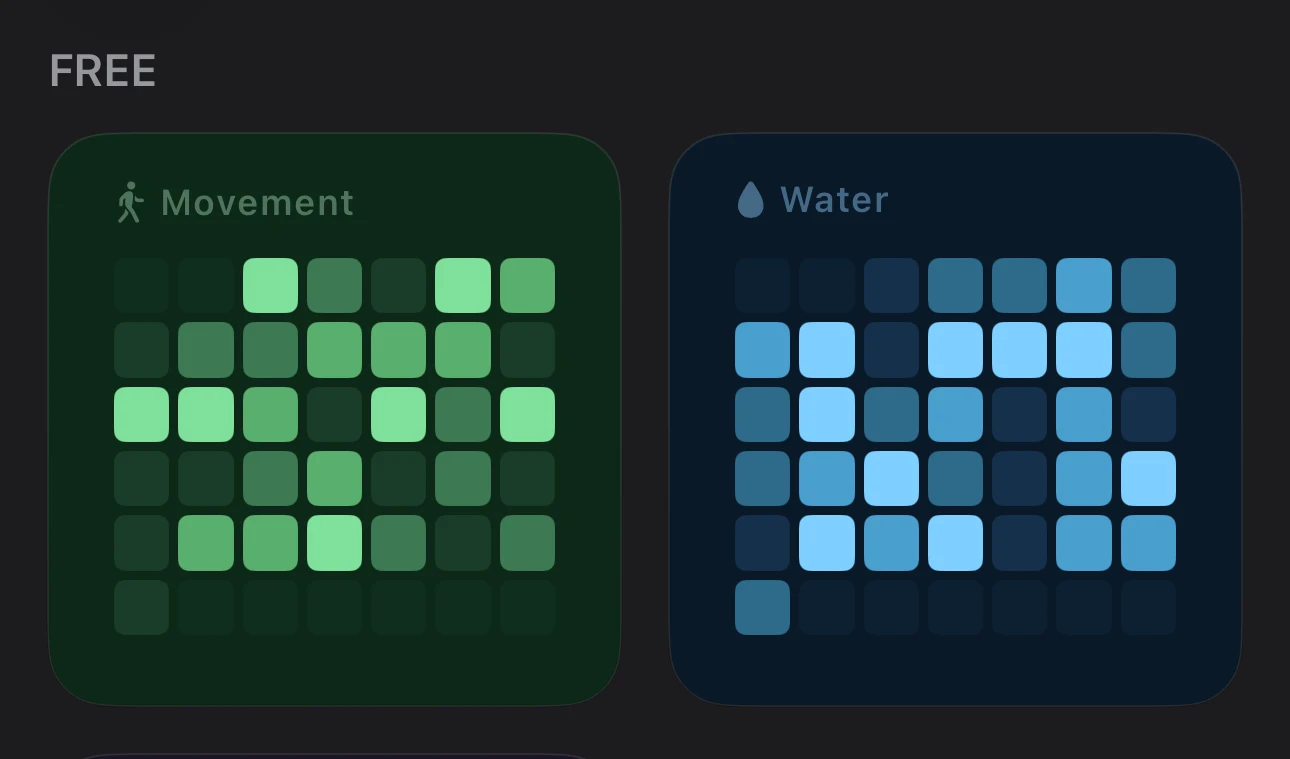
Pick what to track
Right after the welcome screens, Tintle opens a new tracker for you. Name your own, or pick one from Inspiration, such as Movement or Water.
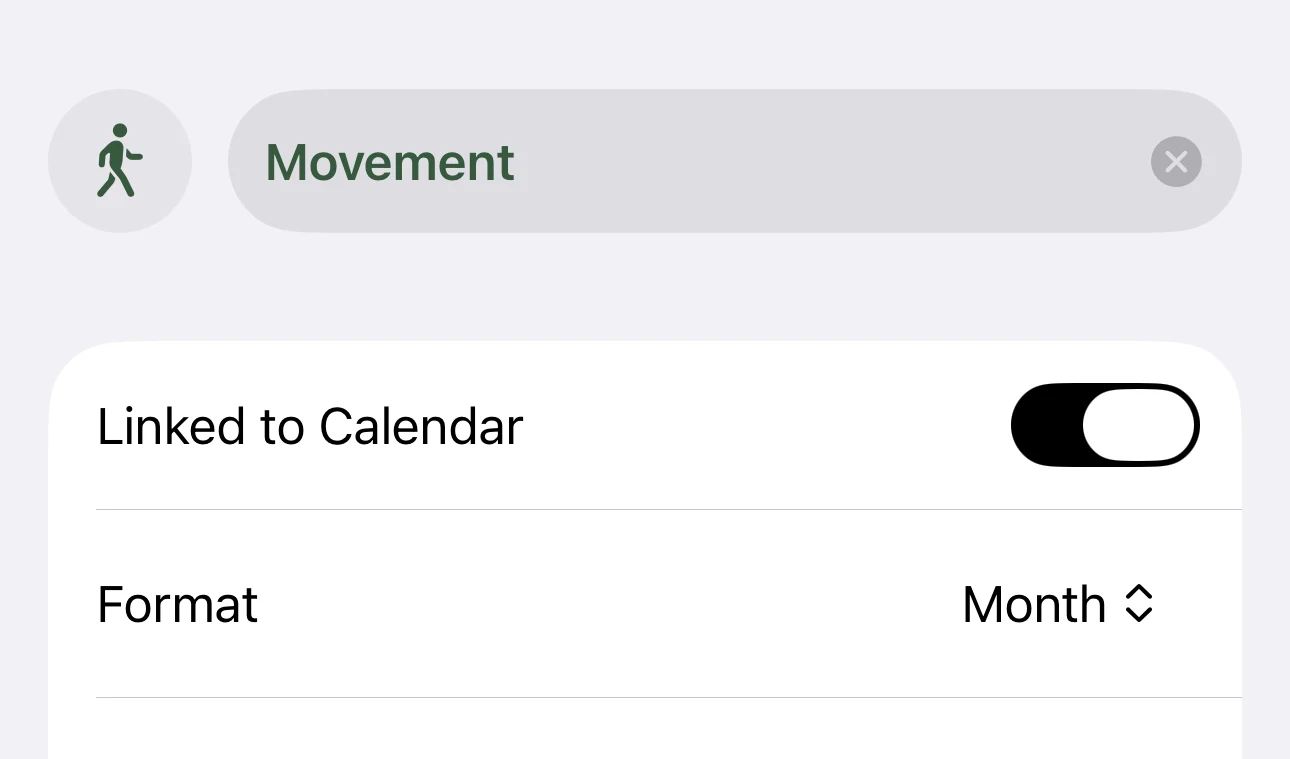
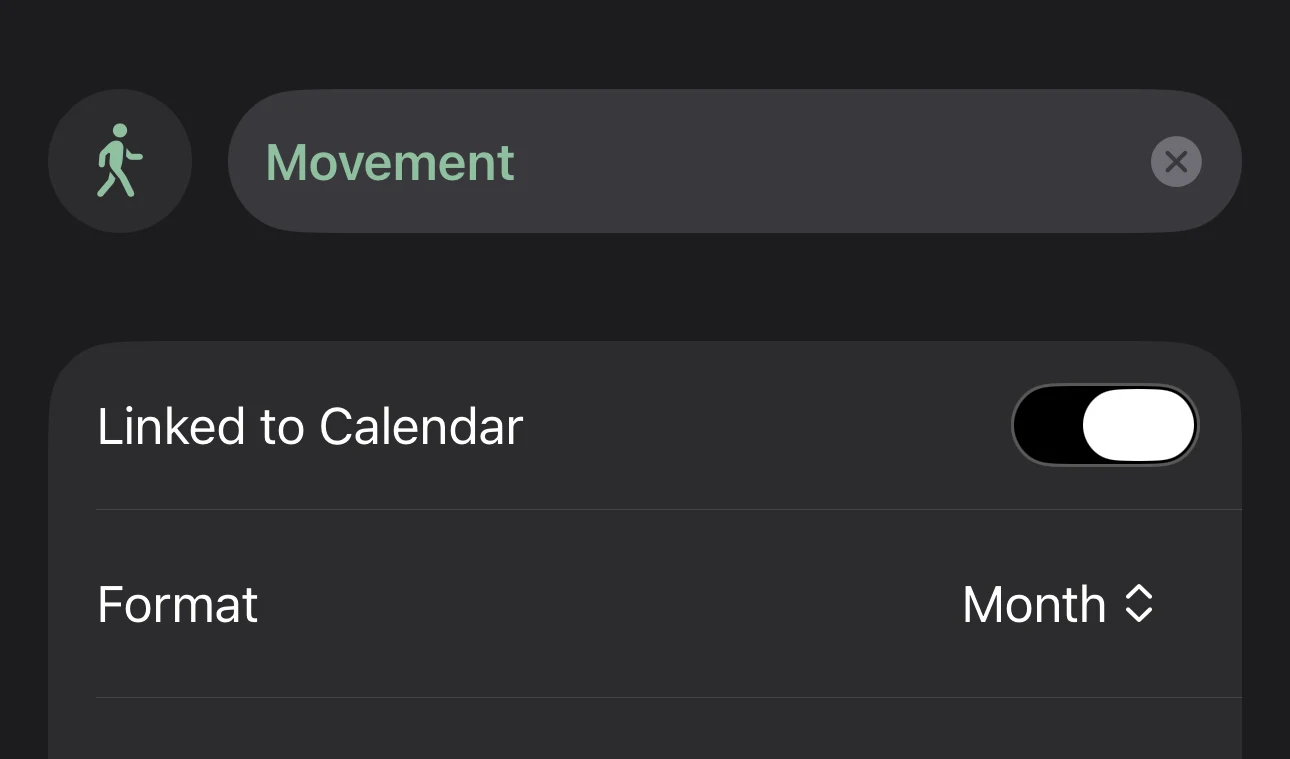
Choose when it starts
Leave Linked to Calendar on to follow the calendar year. Turn it off, and Tintle counts from the day you start, with no empty months before it.
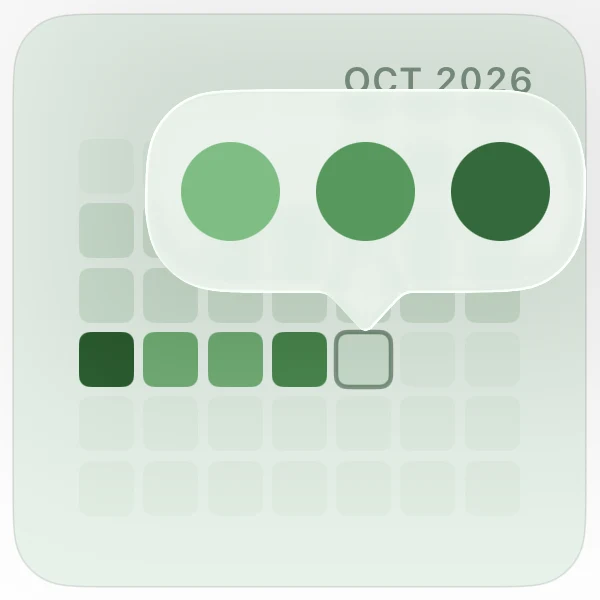
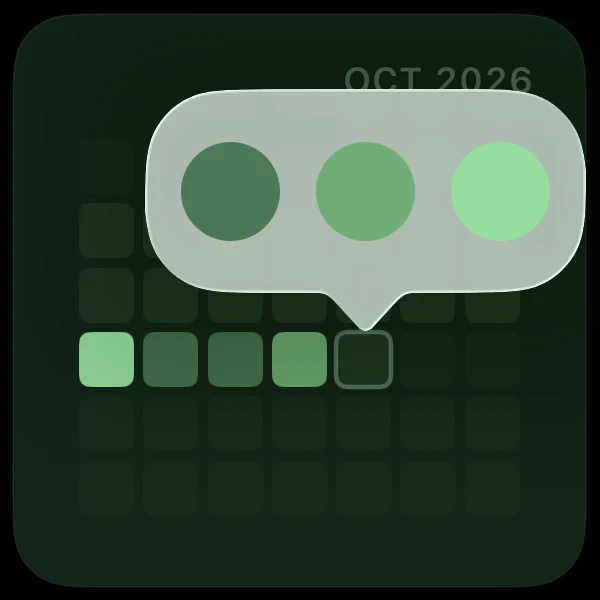
Tap a color each day
Pick a lighter or deeper shade. Forgot yesterday? You can still fill it in.
Ways to use Tintle
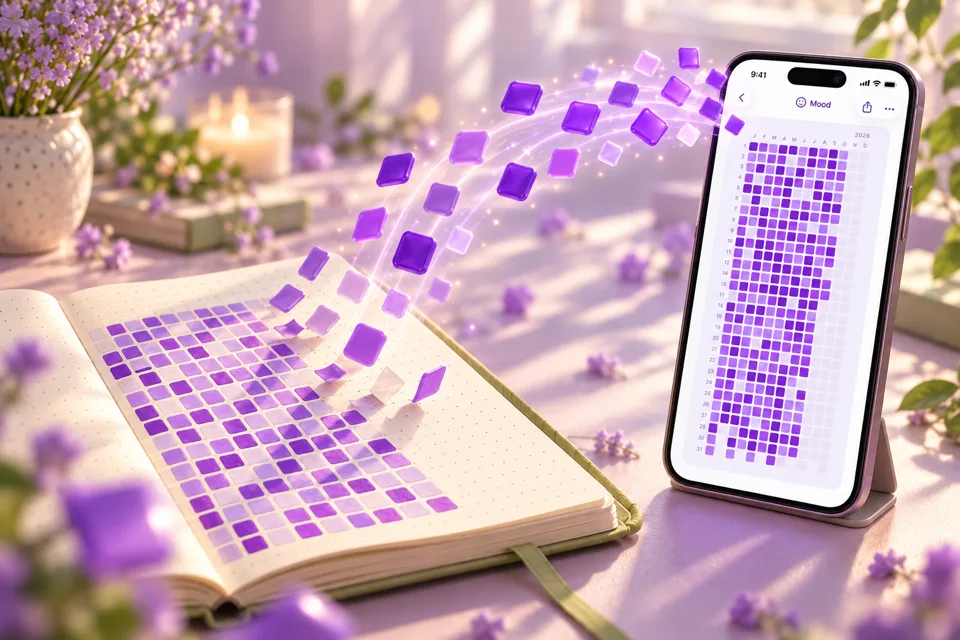

What is a Year in Pixels?
One colored square for every day: how it works, paper or app, and how to read your year.
Read →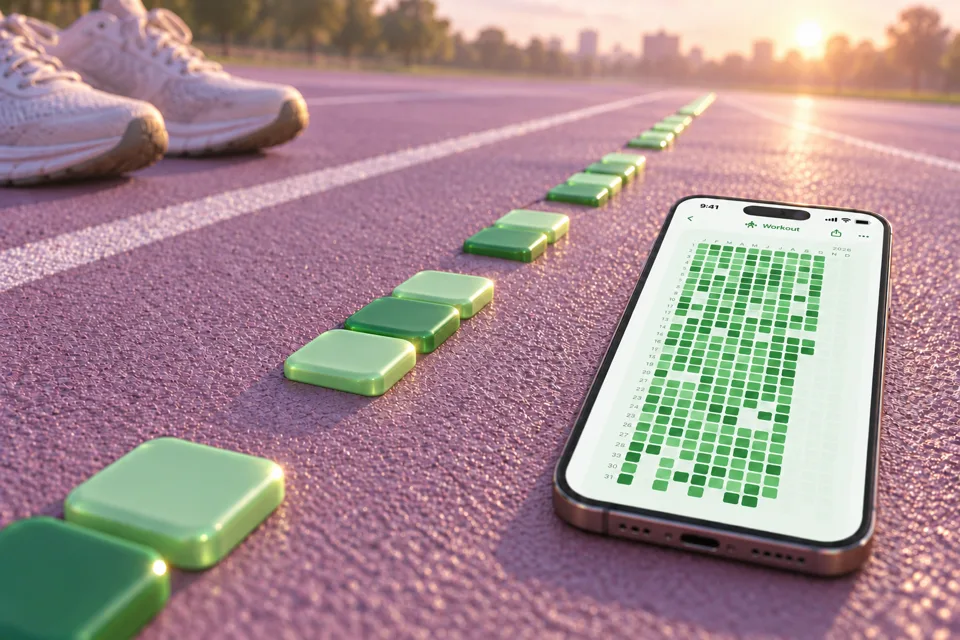
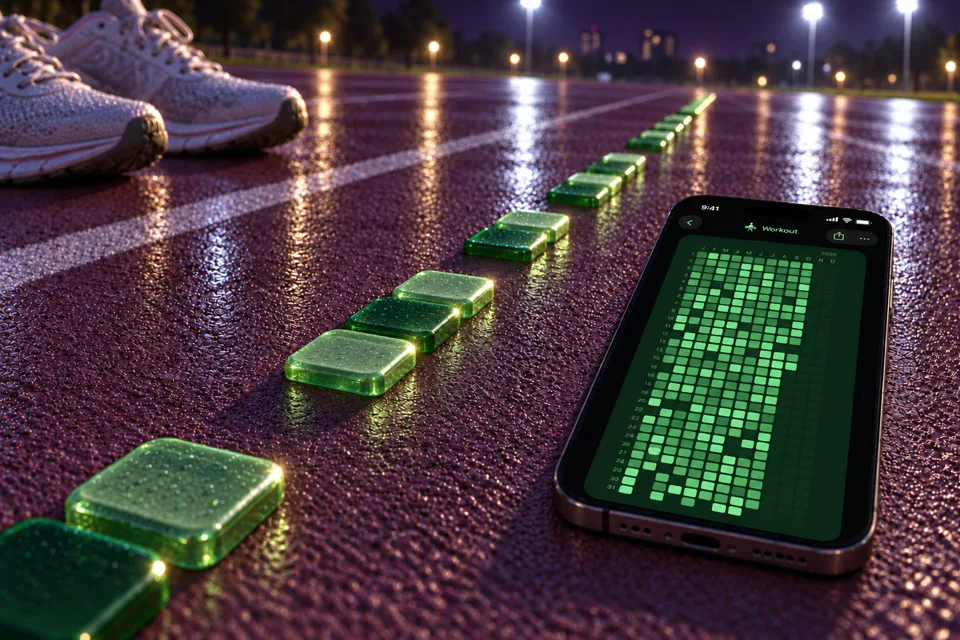
Habits without streak guilt
A grid of colored days keeps every good day visible, even after a miss.
Read →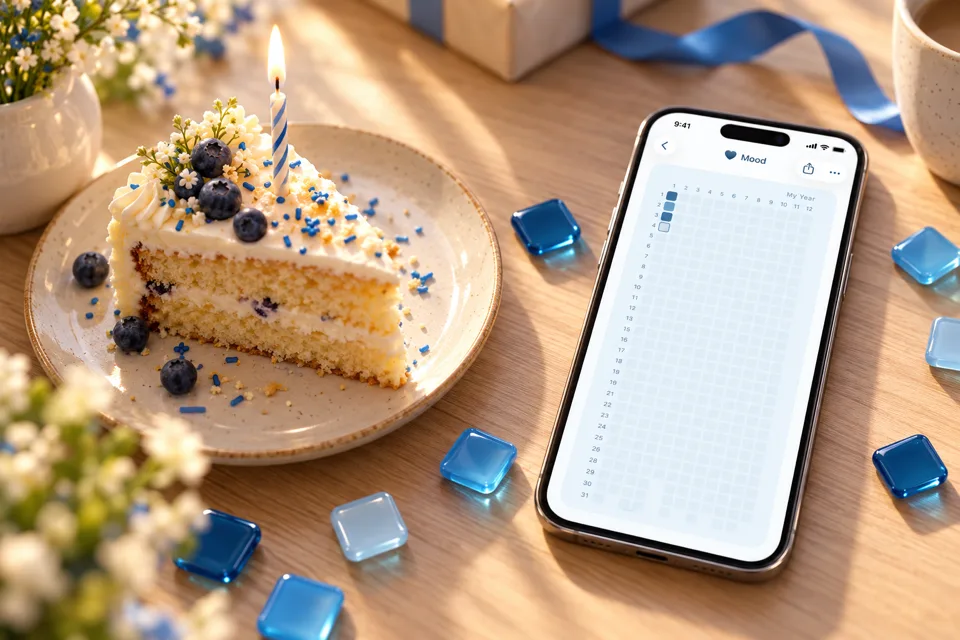

Why you don't have to wait for January
What research says about fresh starts, and how to pick your own day one.
Read →

Track a 30-day or 90-day challenge
Ideas, how long to run them, and how to see what a challenge actually changes.
Read →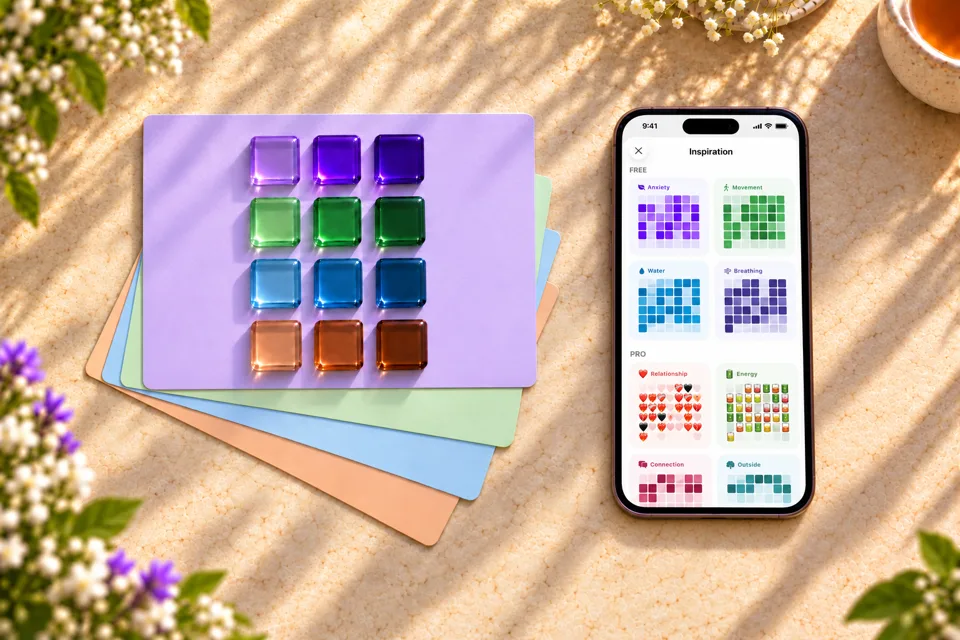
What to track and which colors
Twelve tracker ideas, and how to pick shades that still make sense in November.
Read →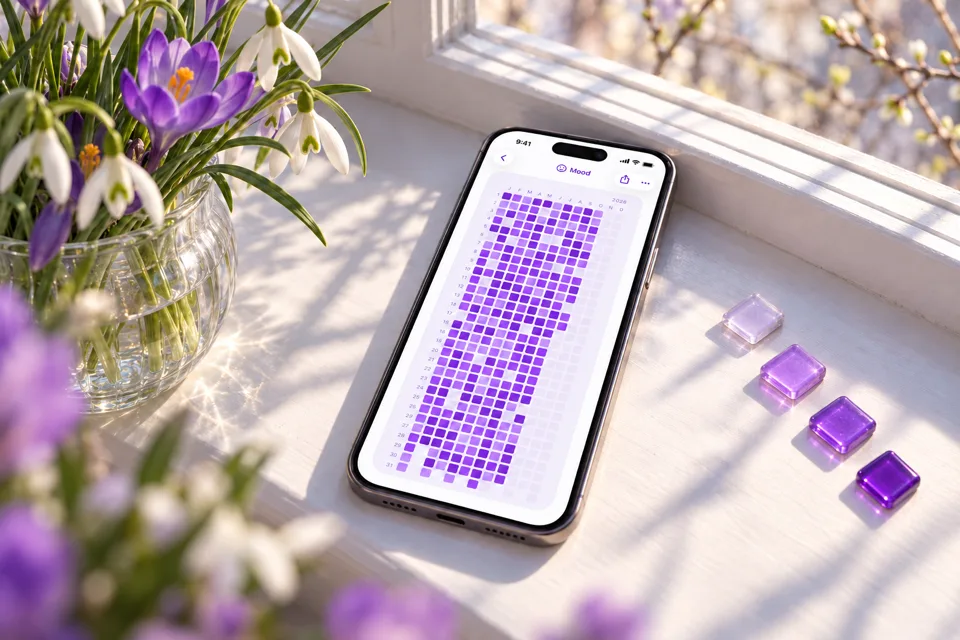
How to choose a mood tracker
A checklist for picking an app you'll still open in March, Tintle included.
Read →Questions about Tintle
What is the Tintle app?
Tintle is an iPhone app for marking your mood, the habits you're building or quitting, and the challenges you take on. Each day you mark becomes a colored square, and the squares add up to a month, a quarter or a whole year, whichever view you choose.
It works like a Year in Pixels journal, except you can run several trackers at once and start a new one any day.
Is Tintle free?
Yes. Tintle is free to download.
- Free: up to 3 trackers, 4 palettes and 4 templates, plus reminders, notes and share cards.
- Tintle Pro: unlimited trackers, all palettes and templates, and extra app icons. It comes as a monthly or a yearly plan, and the yearly plan starts with a 7-day free trial.
The App Store shows the price in your local currency.
How does a Year in Pixels work?
A Year in Pixels is a grid with one square for every day of the year. You keep one grid for each thing you track, such as your mood, a habit or a challenge, and each day you color its square with the shade that fits. After a few months the grid shows patterns a diary hides: rough weeks, good seasons, weekday dips.
Tintle is built around this format. Our Year in Pixels guide covers the method, and color key ideas help you pick a scale.
Can I start a Year in Pixels in the middle of the year?
Yes, you can start right now. Turn off Linked to Calendar in the tracker's settings, and Tintle counts your year from today, so you won't see empty months before it.
Can I track habits as well as mood in Tintle?
Yes. Every tracker in Tintle has its own colors, icon and grid, so your mood can sit next to a habit you're building or one you're quitting. Inspiration has ready trackers such as Movement, Water and Breathing, and you can create your own.
Does Tintle use streaks?
No. Tintle doesn't count how many days in a row you kept going. It keeps every day you mark, so missing one is fine: that square stays empty and the rest of your grid stays as it is.
In a study of how habits form, missing a single day did not materially affect the process (Lally et al., 2010). More on that in our guide to habits without streaks.
Where does Tintle store my data?
Your activities, daily entries, notes and palettes are stored on your iPhone. Tintle has no accounts, so there is nothing to sign up for, and it shows no ads.
Tintle does collect usage analytics and crash reports to improve the app. The privacy policy lists every service it uses.
Because entries live only on the device, deleting the app deletes your data.
What can I track with Tintle?
Anything you can mark once a day on a scale from less to more: your mood, a habit you're building or quitting, or a challenge.
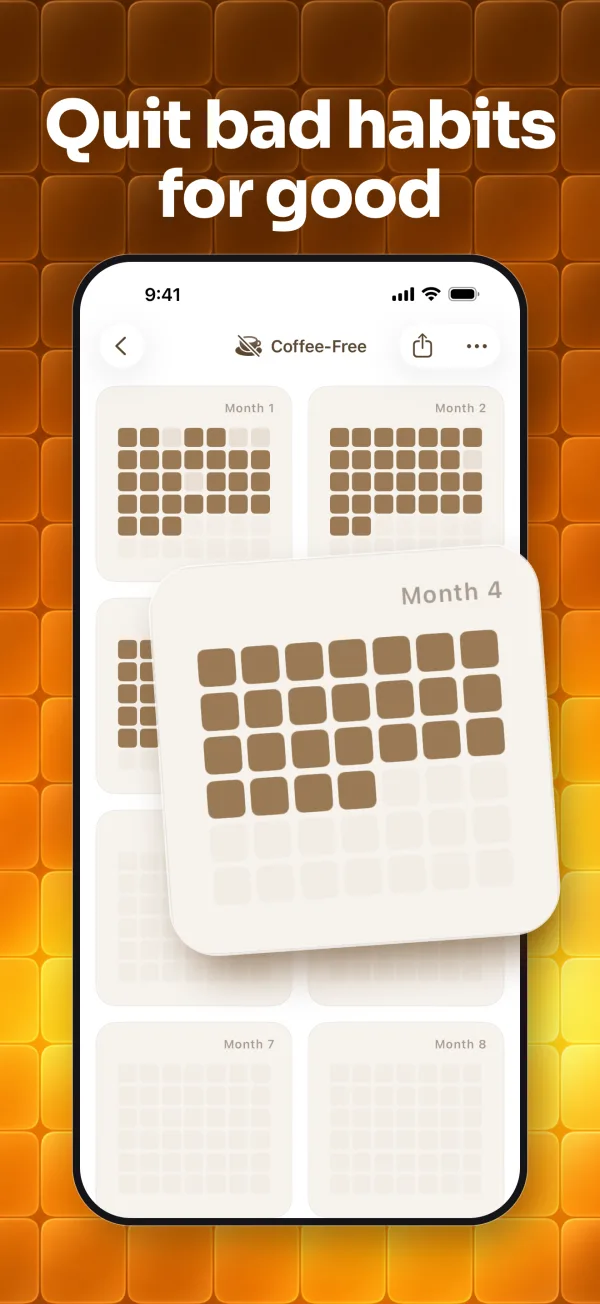
Inspiration has ready trackers such as Movement, Water, Breathing, Energy and Outside, and you can build your own, such as days without coffee or pages read.
For more ideas see 12 color keys and challenge ideas.
Is Tintle available on Android or iPad?
Not yet. Tintle is made for iPhone and needs iOS 26 or later. On an iPad it runs as the iPhone app, without a layout for the larger screen.
The app speaks English, German, Spanish, French, Italian, Portuguese, Polish, Russian, Japanese, Korean, Simplified Chinese and Turkish.
Can I share my Year in Pixels?
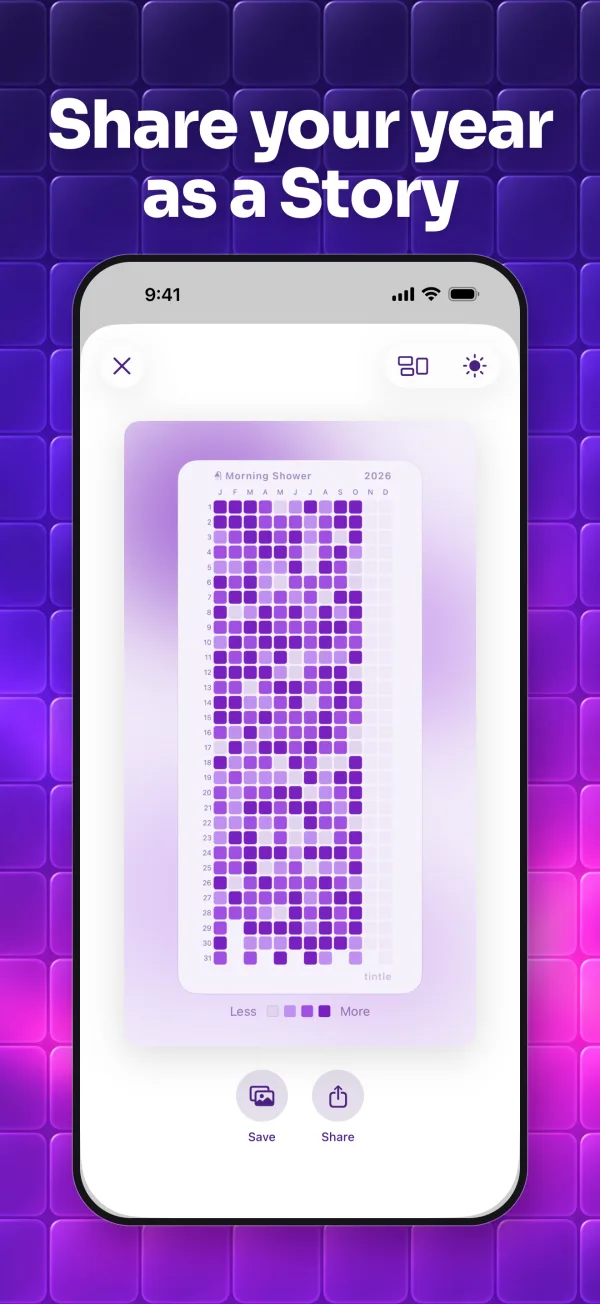
Yes. Turn a month, a quarter or a year into a card sized for Instagram Stories, so it fills the whole screen and looks sharp. Post it straight to Stories or save it to your photos.
Today is a fine day to start
No need to wait for January or a Monday. Pick one thing to track, your mood, a habit or a challenge, and mark your first square today.
Free on iPhone. No ads. No account needed.