 Tintle
Year in Pixels: one color for every day of the year
A Year in Pixels is a grid with one small square for each day of the year. Each evening you color today's square by how the day went. It takes a few seconds, and by spring you can see months of your days at a glance.
 Free on iPhone. No ads. No account needed.
How a Year in Pixels works
Tintle's year view has twelve columns for months and 31 rows for days. You choose a color key and fill one square at the end of each day. The first Year in Pixels tracked mood in five colors, from happiest to least happy. It came out of bullet journaling and spread on Pinterest and Instagram. It asks for almost no effort: no sentences, no scores, one color.
Three rules make it work:
- Rate the whole day, not the last hour. Ask yourself "how was today overall?"
- Keep the key fixed. Changing what green means in April breaks the comparison with March.
- Leave missed days blank. Days you fill in from memory a week later are less reliable than same-day ones. An empty square is fine.
What you can track besides mood
Mood is the original use, but the grid works for anything with a daily answer. Energy level, anxiety, sleep quality, time outside, water and movement all make readable grids. Binary habits (did I walk today?) work too: use one color for done and leave the square empty for not done.
Tracking two things side by side is where it gets interesting. Put a mood grid next to a movement grid and check whether the good days line up. You can keep 3 trackers for free and as many as you like with Pro. Pick scales from our 12 color keys.
Paper or app?
A paper grid is satisfying to color and easy to start. It gets harder in the details: drawing the grid, carrying the notebook, and starting mid-year. Here is how the two compare.
| Paper bullet journal | Tintle | |
|---|---|---|
| Setup | Draw 365 squares and a key | Pick a template, about a minute |
| Starting mid-year | Empty months stay on the page | Counts from your first day, with Linked to Calendar off |
| Several trackers | A new page and grid for each | Unlimited activities with Pro |
| Views | Year only | Month, quarter and year |
| Changing colors | Not possible once colored | Switch palettes any time (all 31 with Pro) |
| Sharing | Photo of the page | Share cards for Instagram Stories |
| Privacy | Anyone who opens the notebook | Days and notes stored on your iPhone, no account |
How to keep a Year in Pixels in Tintle
- Open Tintle and create your own Mood tracker, or pick a ready tracker from Inspiration, such as Anxiety or Water.
- Start today. To count the year from your first day instead of January 1, turn off Linked to Calendar in the tracker's settings.
- Choose a Format: Month, Quarter or Year.
- Pick a palette. Its three shades run from less to more, and that order is your key.
- Each evening, tap today's color. Add a note if something stood out.
How to read your year
Give it at least four weeks before drawing conclusions. Then look for:
- Weekday rhythm. Are Mondays a shade lower? Look at what usually fills your Mondays.
- Clusters. When you see a run of low days, check what was going on: deadlines, travel, illness or short winter days.
- Recovery speed. How many days does it take to get back to your usual color after a bad one?
- Seasons. A full year shows whether winter months really are darker for you.
A pixel grid is a reflection tool, not a diagnosis. If your mood squares have sat at the low end of your key on most days for two weeks or more, talk to a doctor or a mental health professional.
Year in Pixels questions
What is a Year in Pixels?
A Year in Pixels is a self-tracking grid with one small square per day. Each evening you color the day according to a key. The first version tracked mood in five colors, from happiest to least happy. Over months the colors show patterns in how your days go.
Tintle is an iPhone app built around this format. It keeps the grid, adds month and quarter views, and can count the year from the day you start.
Who invented the Year in Pixels?
Camille of the French blog Passion Carnets created the Year in Pixels for 2016: a mood grid in five colors. It spread through the bullet journal community on Pinterest and Instagram (Passion Carnets, 2017). It takes seconds a day and still gives you a striking picture of a whole year.
Tintle brings the same idea to the iPhone, so you do not have to draw the grid by hand.
What colors should I use for a Year in Pixels?
Use a scale that runs in one direction, from light to dark, so you can read the year at a glance. Avoid two similar shades for opposite meanings.
Tintle's 31 palettes run from less to more. Our color key ideas list twelve keys you can copy.
What if I forget to fill in a day?
Leave it. A blank square still tells you something: it can mark a busy or hard day. In Tintle a missed day stays empty and nothing else changes, because the app has no streaks.
Can I start a Year in Pixels in the middle of the year?
Yes. On paper, starting in June means five empty months. In Tintle, turn off Linked to Calendar in the tracker's settings, and the year counts from the day you start, with no empty months before it. See starting on any day.
Is there a Year in Pixels app for iPhone?
Several exist. Tintle is one: it supports multiple trackers, month, quarter and year views, 31 palettes and share cards, and stores your days and notes on your iPhone, with no account. Our mood tracker checklist helps you compare options.
Read next
What to track and which colors
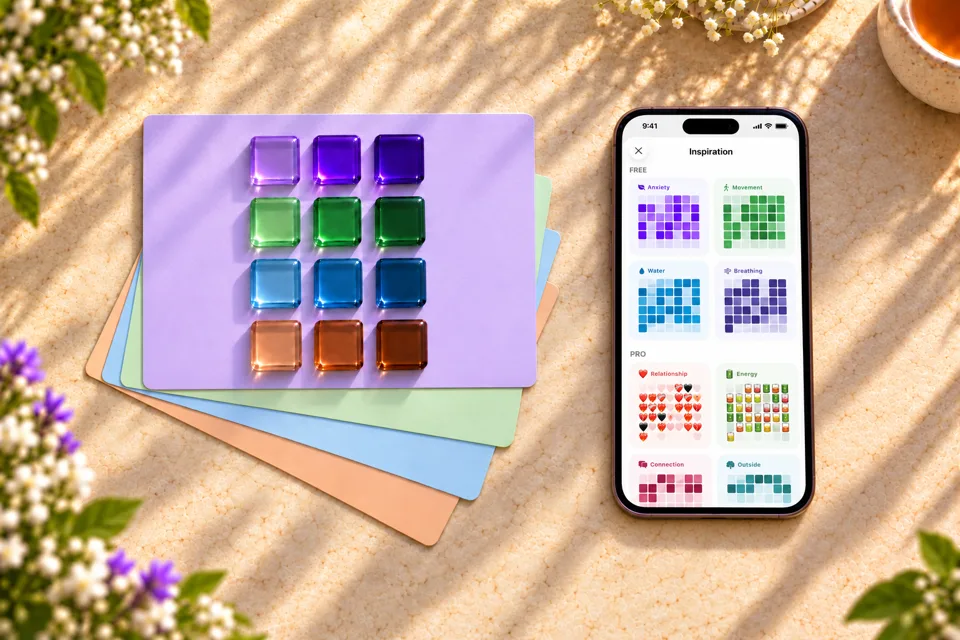
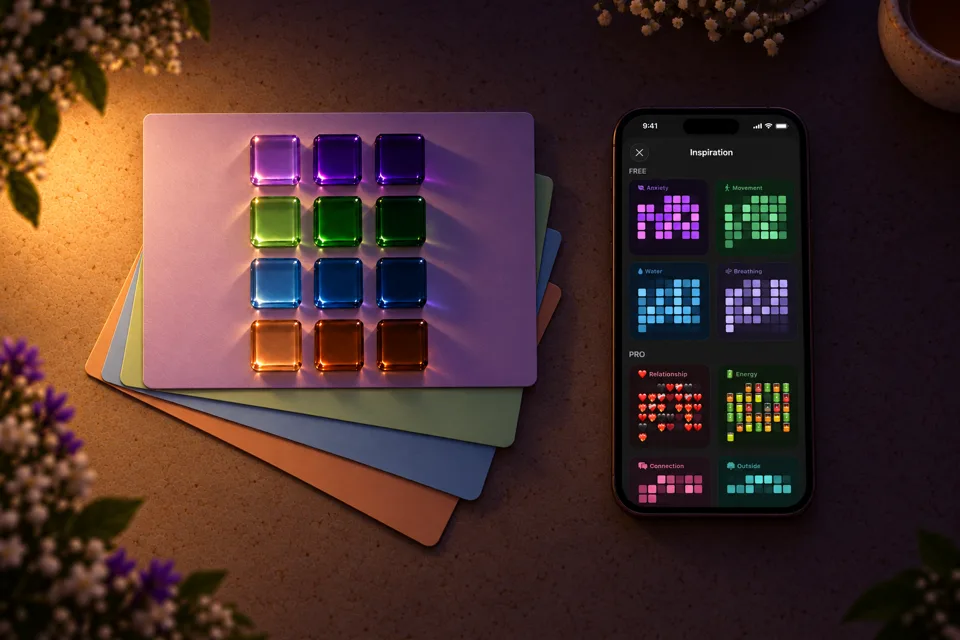
Twelve tracker ideas, and how to pick shades that still make sense in November.
Read →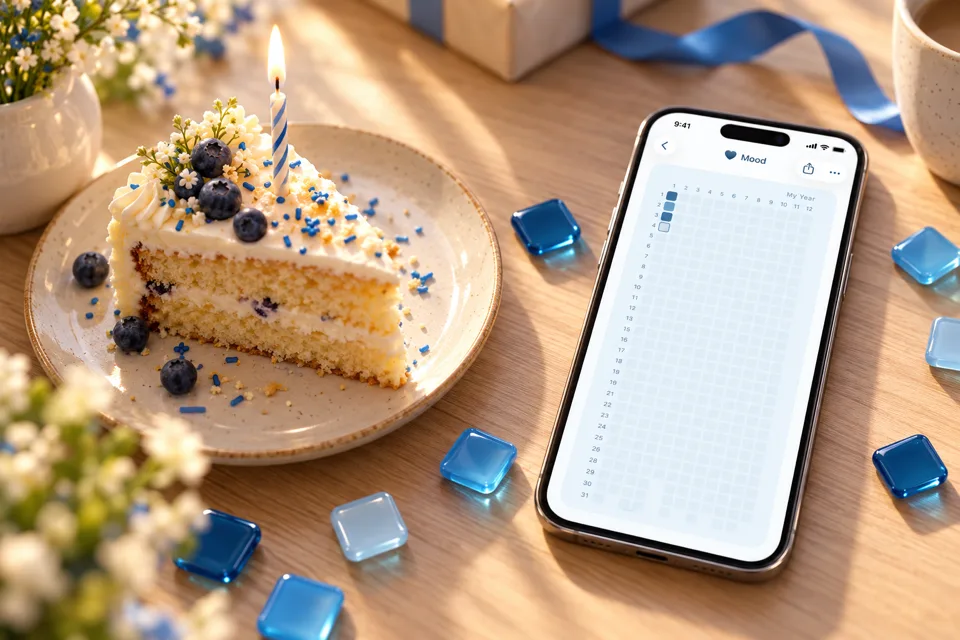

Why you don't have to wait for January
What research says about fresh starts, and how to pick your own day one.
Read →

Habits without streak guilt
A grid of colored days keeps every good day visible, even after a miss.
Read →Start your pixels tonight.
One tap, one color. Start today, and Tintle can count your year from your first day.
Free on iPhone. No ads. No account needed.